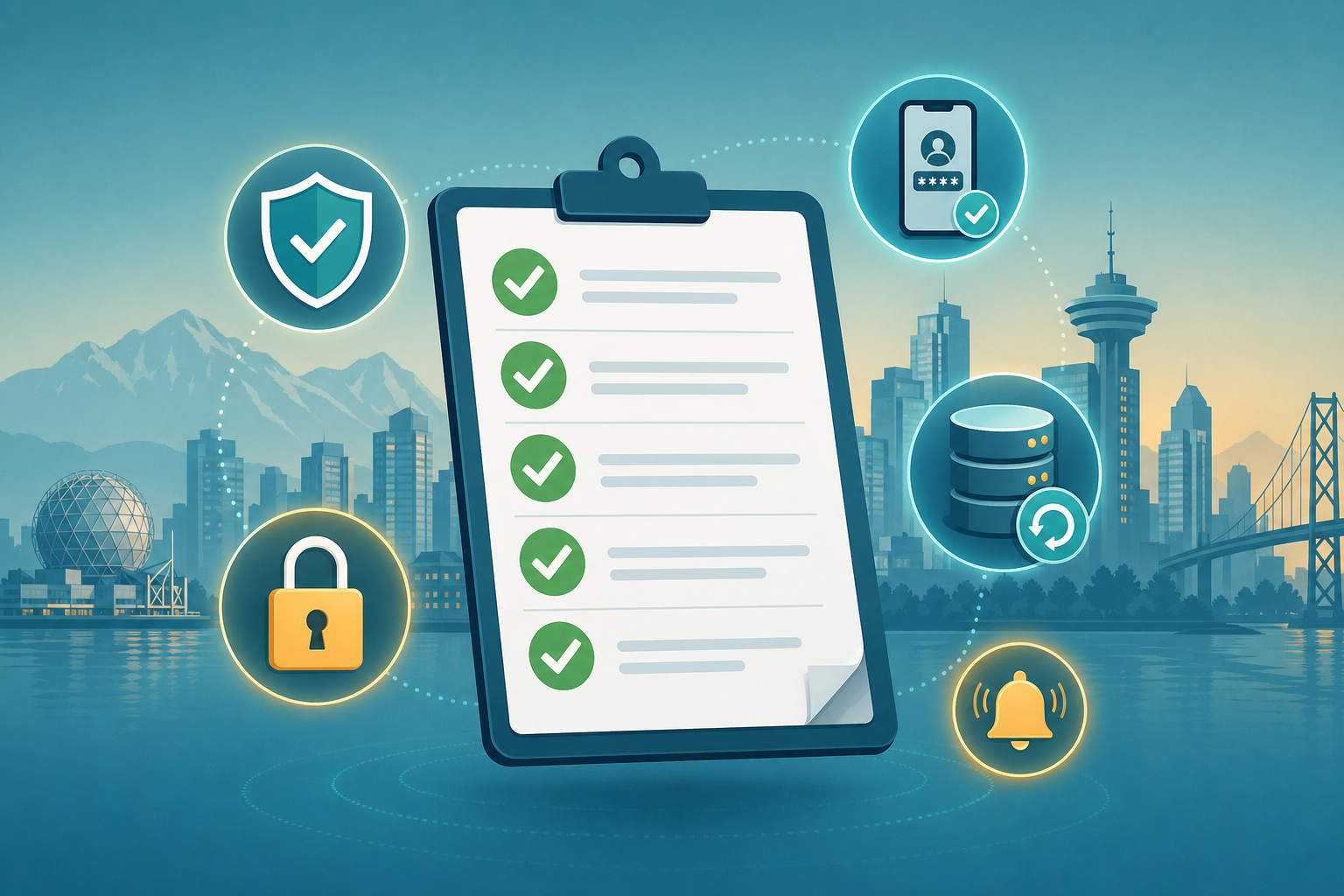
Cybersecurity Best Practices for Vancouver Small Businesses
Cybersecurity best practices · Vancouver SMB
Most Vancouver small-business compromises are stopped by seven boring defaults — and most successful attacks happen because one of those defaults was missing. This guide walks through what they are, why they matter, and how to actually roll them out without a security project becoming a side project.
The seven defaults that quietly do most of the work
1. MFA on every critical account
Email, banking, payroll, hosting, domain registrar. The single biggest reduction in account-takeover risk available.
2. Team password manager
1Password / Bitwarden. Removes reused passwords and the “spreadsheet of passwords” antipattern.
3. Daily off-site backups, 30-day retention
Tested restores quarterly. The one thing that turns ransomware from existential to inconvenient.
4. WAF + bot mitigation in front of the website
Cloudflare or equivalent. Built into our hosting plans.
5. Automatic patching
OS, browsers, WordPress core, plugins, themes. Most exploits hit the unpatched, not the cutting-edge.
6. 30-minute team training + phishing sim
Once a year. Pays back the first time someone hesitates on a wire-transfer change.
7. 1-page incident-response runbook
Who to call, where backups live, what to do first. Print it.
100%MFA coverage
30 daysOff-site backup retention
QuarterlySaaS & access reviews
PTLocal incident response
Modern small-business cybersecurity is mostly invisible — until the day it stops something.
Hosting plans
Website hosting plans
Current Metro Vancouver IT hosting plans with secure checkout. Pricing and purchase buttons are shared with the main pricing page.
Starter
Small sites and personal projects
$5CAD / month · or $60 / year
Storage: 5 GB NVMe
Bandwidth: 50 GB/mo
CDN Cloudflare & WAF protected
Free SSL + HTTP/2
Daily off-site backups (30-day retention)
Uptime monitoring & email alerts
SiteWorx access
One-click app installer (Softaculous)
Most popular
Standard
Growing businesses and marketing sites
$15CAD / month · or $180 / year
Storage: 15 GB NVMe
Bandwidth: 200 GB/mo
CDN Cloudflare & WAF protected
Free SSL + HTTP/2
Daily off-site backups (30-day retention)
Uptime monitoring & email alerts
SiteWorx access
One-click app installer (Softaculous)
Email deliverability setup (SPF, DKIM)
Pro
Heavier sites and regulated workloads
$35CAD / month · or $420 / year
Storage: 40 GB NVMe
Bandwidth: 500 GB/mo
CDN Cloudflare & WAF protected
Free SSL + HTTP/2
Daily off-site backups (30-day retention)
Uptime monitoring & email alerts
SiteWorx access
One-click app installer (Softaculous)
Email deliverability setup (SPF, DKIM)
Advanced WAF rules management
Priority support & incident response
A 7-month rollout that actually finishes
Month 1: MFA on email + banking + admin accounts.
Month 2: Team password manager + audit of weak/reused passwords.
Month 3: Backup audit; verify daily off-site, 30-day retention; test a restore.
Month 4: WAF in front of every public website.
Month 5: Automatic patching across endpoints + WordPress.
Month 6: 30-minute team training + phishing simulation.
Month 7: Write the 1-page incident-response runbook.
Local Vancouver IT support is the difference between “ticket #492 in queue” and “fixed before lunch.”
Why local Vancouver delivery cuts the elapsed time
A local partner can run the rollout side-by-side with your team in PT, in CAD, with familiarity with BC privacy expectations. Our cybersecurity service packages all seven defaults into a flat monthly engagement so the rollout is calm and complete.
Frequently asked questions
How likely is my small Vancouver business to actually be targeted?
Most small-business compromises are not targeted — they are opportunistic. Bots scan for known plugin vulnerabilities, weak passwords, and unpatched software. Being small does not protect you; the right defaults do.
What is the minimum viable security posture for a 5–20 person company?
MFA on every critical account, a password manager for the team, daily off-site backups with 30-day retention, automatic patching for OS and browsers, and a WAF in front of any public website. That covers the vast majority of small-business risk.
What should we do if we suspect a breach right now?
Disconnect the affected device from the network, change passwords from a different device, and call us. Our cybersecurity service includes incident triage, isolation, clean-up, and a written post-incident report.
Do BC privacy laws apply to a small website?
Yes. PIPA (BC) and PIPEDA (federal) cover personal information collected through any commercial website — contact forms, newsletter signups, lead magnets. Plain-English privacy policy + reasonable safeguards is the practical baseline.
Does a $5/month host actually have real security?
Yes — when it is the right $5 plan. Our $5 CAD WordPress hosting ships with Cloudflare WAF, free SSL, daily off-site backups, and uptime monitoring as defaults, not paid add-ons.
Ready to roll out the seven defaults?
30 minutes. We will write the rollout plan and start with whichever default has the highest impact for your situation.