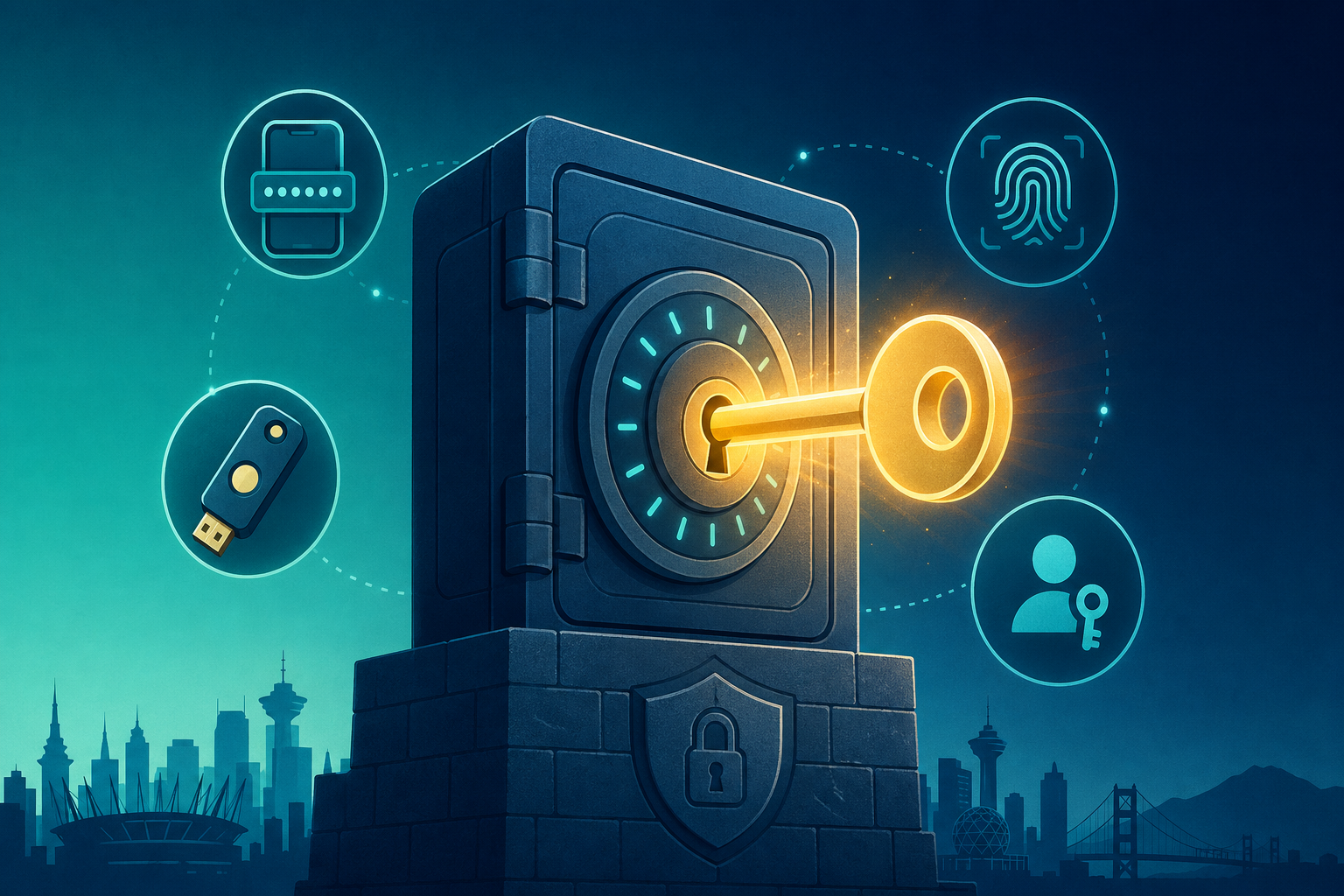
“Strong password policy” used to mean “rotate every 90 days, with a special character.” That guidance is officially out of date. In 2026, modern password policy is simpler, friendlier, and more secure — and it lives almost entirely inside a password manager. This is what to do, and what to stop doing.
What modern password policy looks like
Length over complexity
14+ characters; no required mix of symbols. A long passphrase beats “P@55w0rd!” every time, and people can remember it.
Unique per site
Reused passwords are still the #1 root cause of small-business account takeover. A password manager makes uniqueness trivial.
Block common & breached
Block known-bad and previously-breached passwords at sign-in (Microsoft Entra ID and Google Workspace can do this natively).
No forced rotation without cause
NIST and Microsoft both deprecated routine forced rotation. Rotate when something is compromised, not on a calendar.
MFA everywhere
Phone-based SMS is OK; an authenticator app is better; passkeys / hardware keys are best.
Plan for shared access
Shared mailboxes, social media, vendor portals. Use the password manager’s shared-vault feature, not a Google Doc.
14+Character minimum
100%MFA coverage on critical accounts
0Reused passwords across services
0Forced rotations without compromise evidence
Modern small-business cybersecurity is mostly invisible — until the day it stops something.
Hosting plans
Website hosting plans
Current Metro Vancouver IT hosting plans with secure checkout. Pricing and purchase buttons are shared with the main pricing page.
Starter
Small sites and personal projects
$5CAD / month · or $60 / year
Storage: 5 GB NVMe
Bandwidth: 50 GB/mo
Cloudflare CDN & WAF protection
Free SSL + HTTP/2
Off-site backups
Uptime monitoring & email alerts
SiteWorx access
One-click app installer (Softaculous)
Most popular
Standard
Growing businesses and marketing sites
$15CAD / month · or $180 / year
Storage: 15 GB NVMe
Bandwidth: 200 GB/mo
Cloudflare CDN & WAF protection
Free SSL + HTTP/2
Off-site backups
Uptime monitoring & email alerts
SiteWorx access
One-click app installer (Softaculous)
Email deliverability setup (SPF, DKIM)
Pro
Heavier sites and regulated workloads
$35CAD / month · or $420 / year
Storage: 40 GB NVMe
Bandwidth: 500 GB/mo
Cloudflare CDN & WAF protection
Free SSL + HTTP/2
Off-site backups
Uptime monitoring & email alerts
SiteWorx access
One-click app installer (Softaculous)
Email deliverability setup (SPF, DKIM)
Advanced WAF rules management
Priority support & incident response
Rolling out a password manager in a small Vancouver business
Pick the tool. 1Password Business or Bitwarden Teams. Both are CAD-friendly.
Set up the team. Vaults per role; shared vaults for groups (marketing, ops).
Migrate. Import from browsers + the spreadsheet. Generate fresh passwords for the high-value accounts during migration.
Train. 30-minute team session. Show how to use the browser extension and the mobile app.
Audit. Use the watchtower / reports to retire weak and reused passwords inside 30 days.
Where passkeys fit
Passkeys (WebAuthn / FIDO2) are quietly replacing passwords on the most-attacked services — Microsoft, Google, GitHub, 1Password itself. Where supported, enabling passkeys makes account takeover dramatically harder. Phase them in starting with the most security-sensitive accounts.
Local Vancouver IT support is the difference between “ticket #492 in queue” and “fixed before lunch.”
Frequently asked questions
How likely is my small Vancouver business to actually be targeted?
Most small-business compromises are not targeted — they are opportunistic. Bots scan for known plugin vulnerabilities, weak passwords, and unpatched software. Being small does not protect you; the right defaults do.
What is the minimum viable security posture for a 5–20 person company?
MFA on every critical account, a password manager for the team, off-site backup services, automatic patching for OS and browsers, and a WAF in front of any public website. That covers the vast majority of small-business risk.
What should we do if we suspect a breach right now?
Disconnect the affected device from the network, change passwords from a different device, and call us. Our cybersecurity service includes incident triage, isolation, clean-up, and a written post-incident report.
Do BC privacy laws apply to a small website?
Yes. PIPA (BC) and PIPEDA (federal) cover personal information collected through any commercial website — contact forms, newsletter signups, lead magnets. Plain-English privacy policy + reasonable safeguards is the practical baseline.
Does a $5/month host actually have real security?
Yes — when it is the right $5 plan. Our $5 CAD WordPress hosting ships with Cloudflare WAF, free SSL, daily off-site backups, and uptime monitoring as defaults, not paid add-ons.
Ready for a modern, calm Vancouver password baseline?
30 minutes. We will pick the right password manager, document the rollout, and run the first team session for you.